

Online Banking
Keep Your
Money Moving
Use CCCU online banking to transfer funds or pay down a loan from any computer.

Check In on Your Accounts
In online banking, you can:
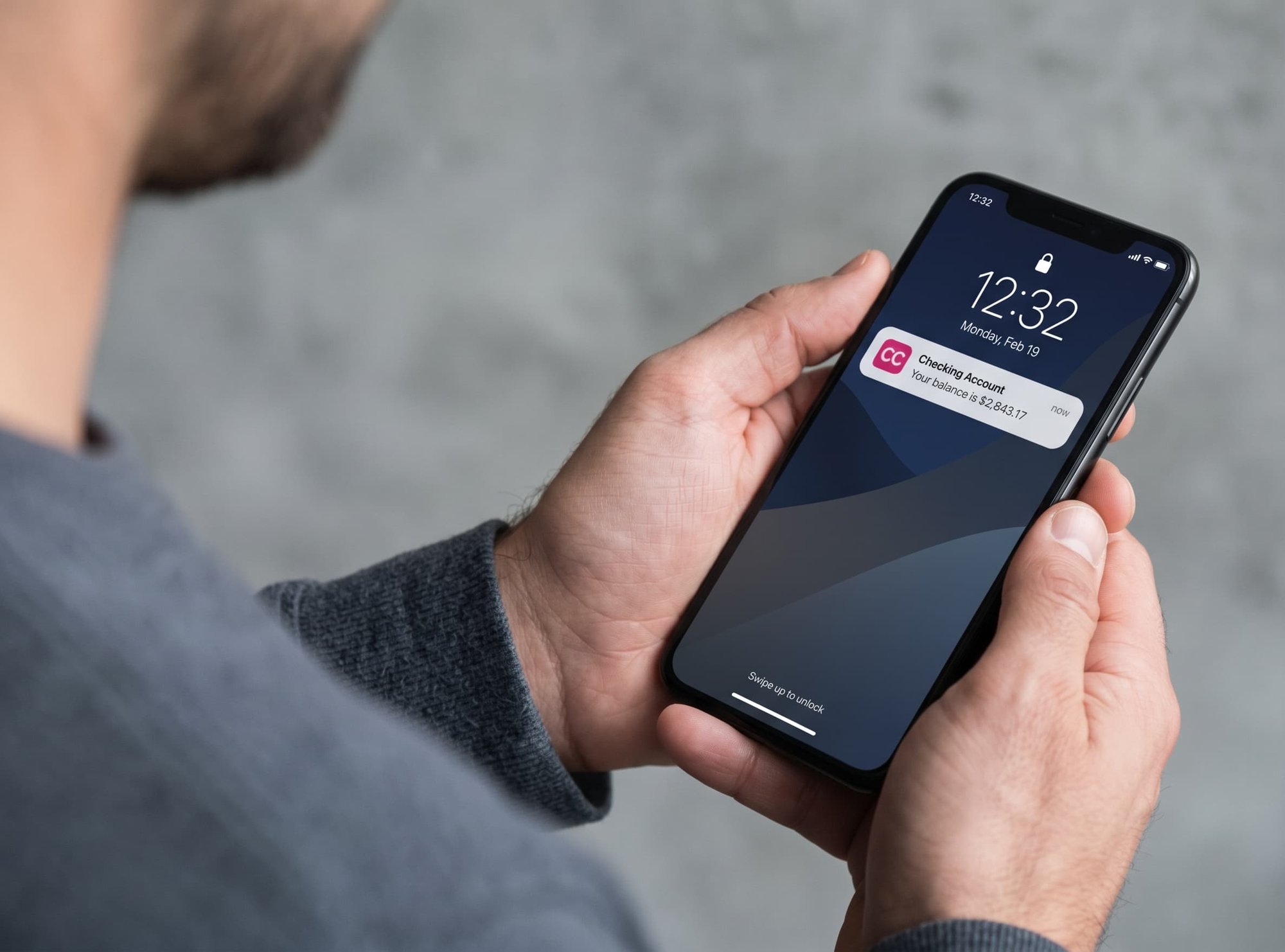
- View current balances and every recent transaction
- Set up email or text alerts
- Pay back family and friends through
- Send Money
Stay Current on Bills and Credit



Your Login Is Four Steps Away

Start
Click LOG IN at the top of cccu.com, then New Users.

Verify
Enter your member number, account-opening PIN, and identifying details.

Create
Choose a password and username.

Confirm
Accept the Rights and Responsibilities, then type in your security code.

Stop Switching Between Accounts
Ask our team to turn on Cross-Account Access, and you can manage accounts with different owners together.

Log In for a Closer Look
Review your balances and recent activity in online banking, or open a CCCU account online or at a branch to get started.