

Mobile Banking
Your Credit Union in
Your Pocket
Manage your accounts, transfer funds, and keep your money moving right from your phone.

Take Care of Everyday Banking Anywhere

Account Information
Search past transactions by store name and sort them by type.

Card Control
Decide where and when purchases go through, and set up activity alerts.

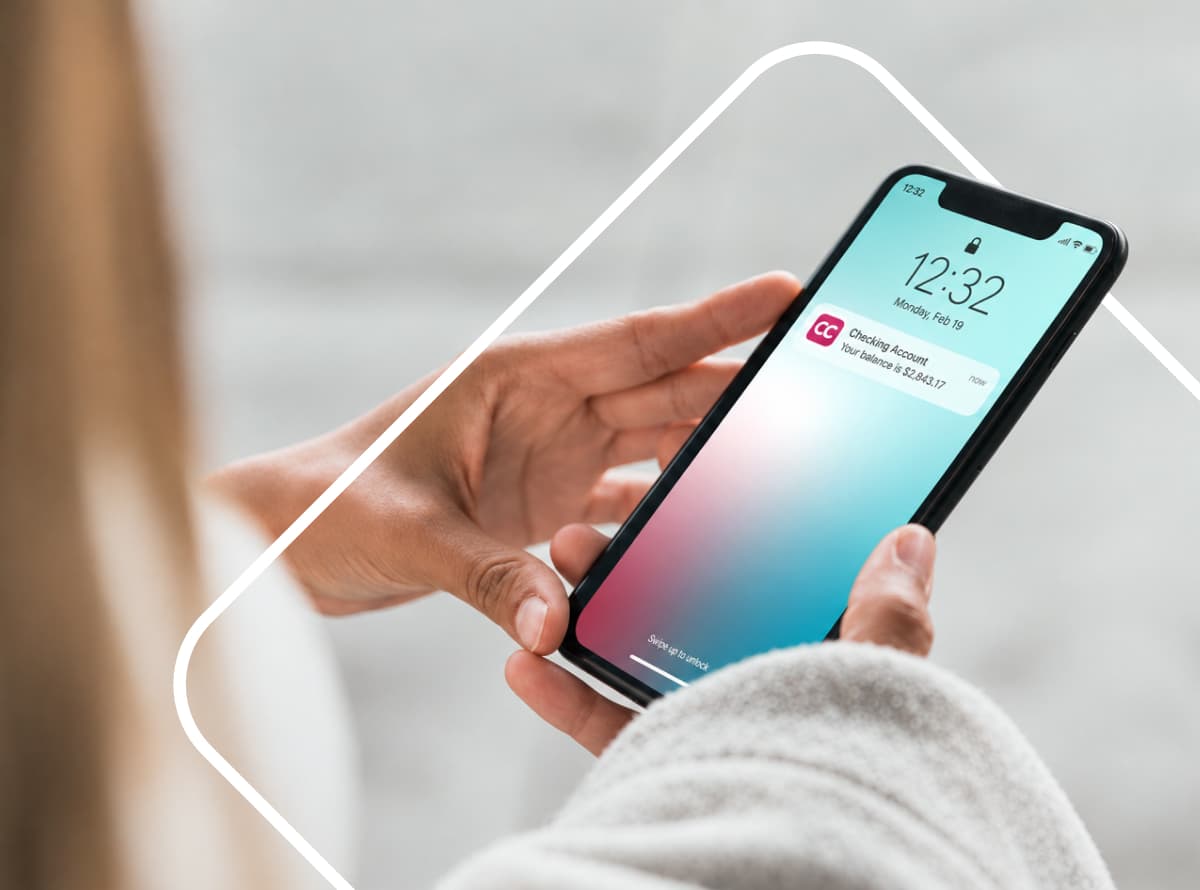
Quick Balances
Peek at your current totals without logging in.

Send Money
Settle up with a friend using their email or phone number.
See What Else the App Can Do



Put CCCU on Your Home Screen
Download the app for iPhone or Android to take your everyday banking wherever you go.
Not a member yet? Open an account online in just a few minutes.